Cards & Expense Management
Faster spending, tighter control
Issue employee cards, set spending rules, and track expenses directly from one account


.avif)

%20(1).avif)
.svg)
.avif)
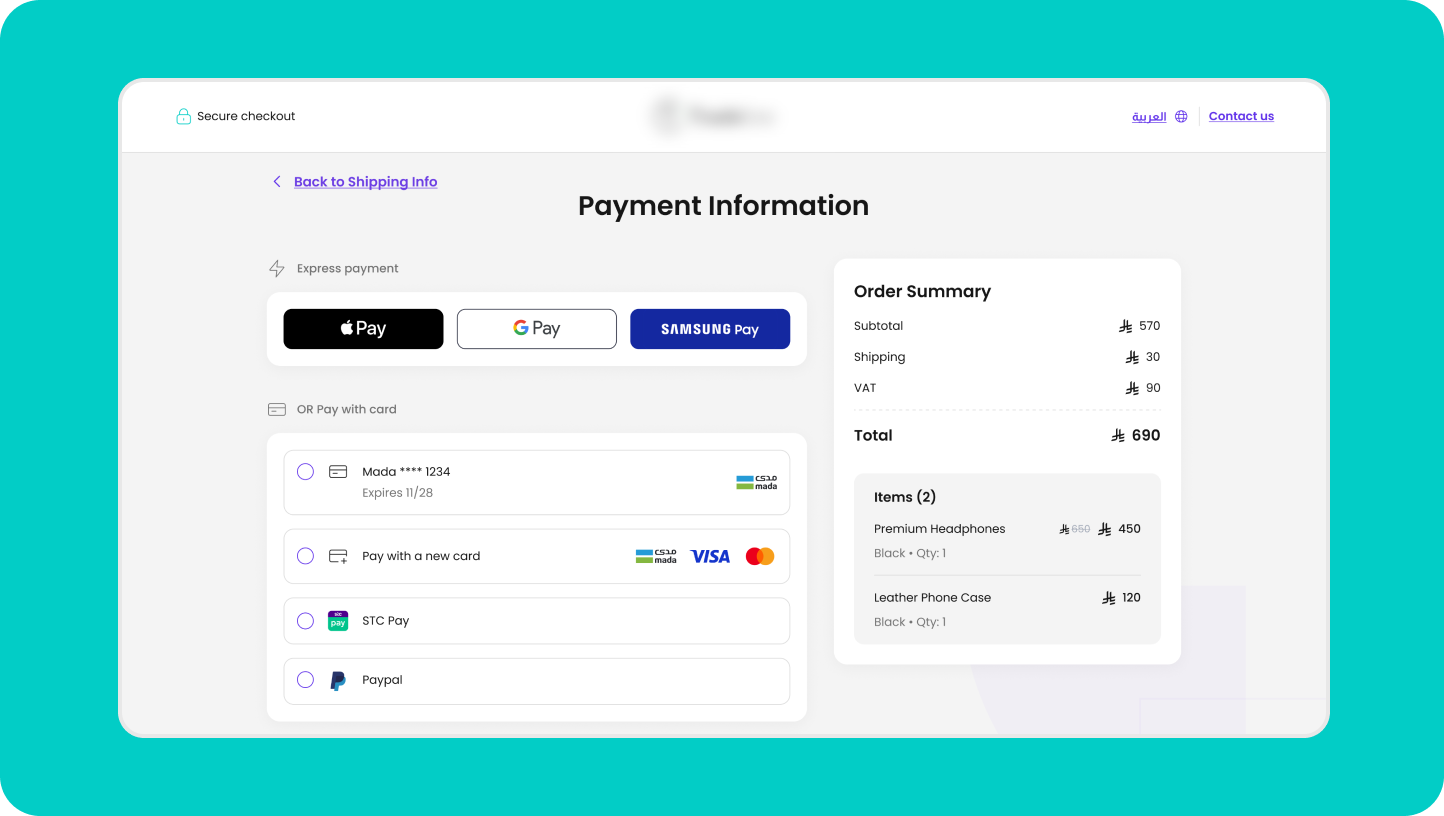

Cards built for your team
Issue custom cards and set spending rules that fit each department or employee.

Real-time expense tracking
Employee transactions appear instantly and are linked to the cardholder, making it easy to monitor spending.
Built-in spend controls
Every card is tied to a spending limit and an approval workflow, ensuring your company policies are applied automatically.

Unified money management
Fund employee cards directly from your lite account and manage incoming and outgoing money from one platform.

The first steps
How it works
01.
Issue cards
Create dedicated cards for employee expenses, ad platforms, and other operating needs.
02.
Set the rules
Define each card's budget, purpose, and approval flow, and adjust them at any time.
03.
Start spending
Use the cards in store or online, across all your business expenses.
04.
Track expenses
Monitor all activity in real time so your expenses are always ready for review and reconciliation.
Features
Tools that fit the way you sell
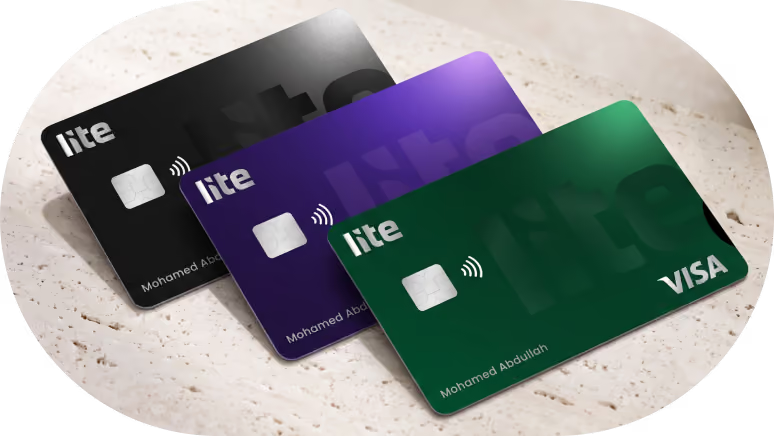
Card customization
A card for every use
Create separate cards for employees, subscriptions, ad accounts, and other operating needs.
Edit anytime
Full control over every card
Adjust spending limits, freeze cards, or reactivate them straight from the dashboard.
.avif)
Expense tracking
Reviews without surprises
Receipts links automatically to its transaction and cardholder, so expenses are ready for review without manual matching.
.avif)
Your Platform
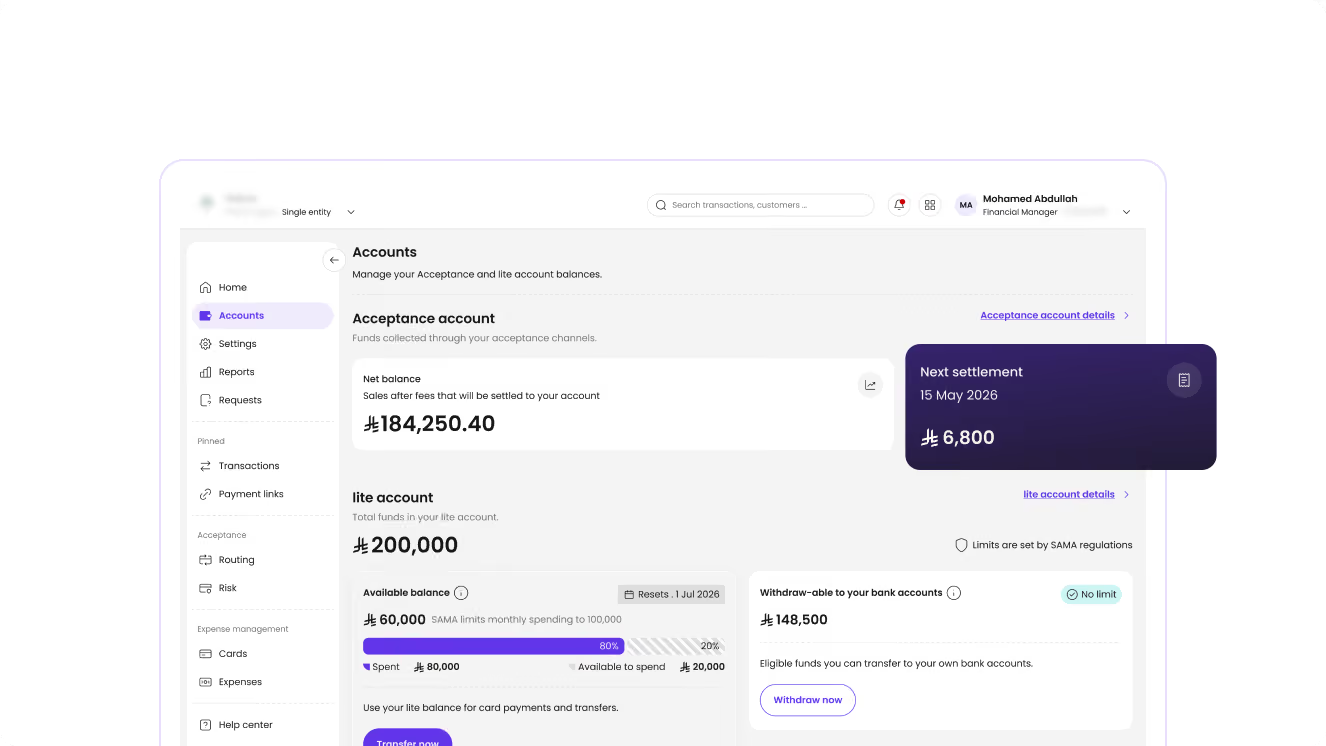
Manage everything in one place
Powerful insights and full control
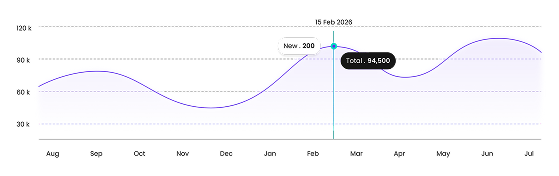
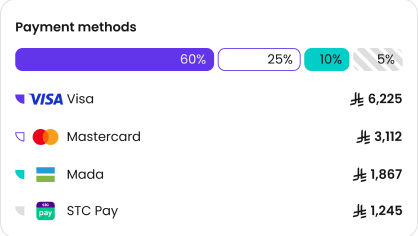
Monitor transactions, track performance, and manage your payment operations from one unified dashboard with real-time visibility.
Frequently Asked Questions
Everything you need to know about lite
1
What types of cards does lite offer?
We offer both virtual and physical cards to suit your business needs.
1
Can I change card settings after issuing them?
Yes. You can adjust spending limits, freeze, or reactivate a card directly from your dashboard.
1
Is there a limit on how many cards I can issue?
No, there is no limit to the number of cards you can issue.
1
What happens to the card when an employee leaves?
You can freeze or cancel the card immediately. The funds remain secure and under the company’s control.
1
Which payment networks do lite cards support?
Our cards work for daily purchases in-store or online via mada, Visa, Mastercard, Apple Pay, and other networks.

